Cubles Classroom: Students Design a Character, Then Build the Real One

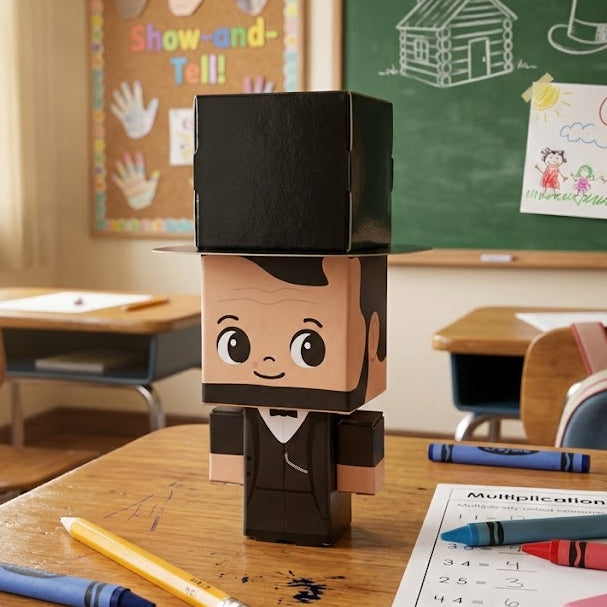
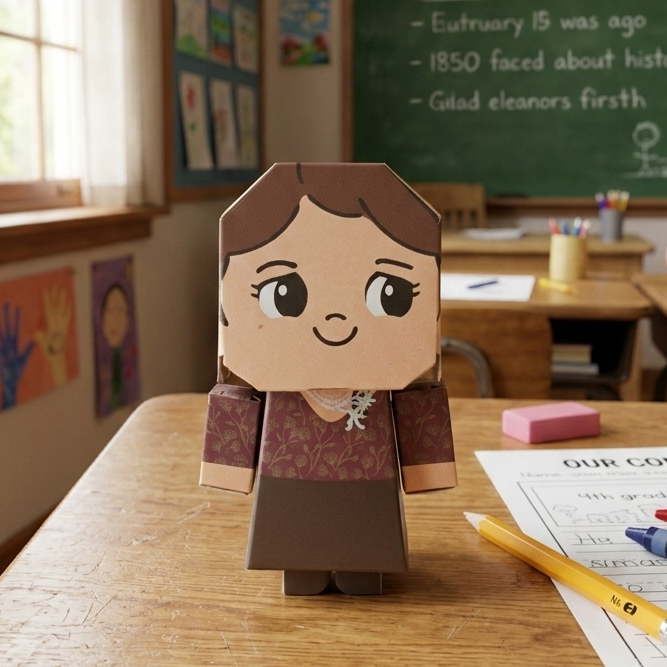
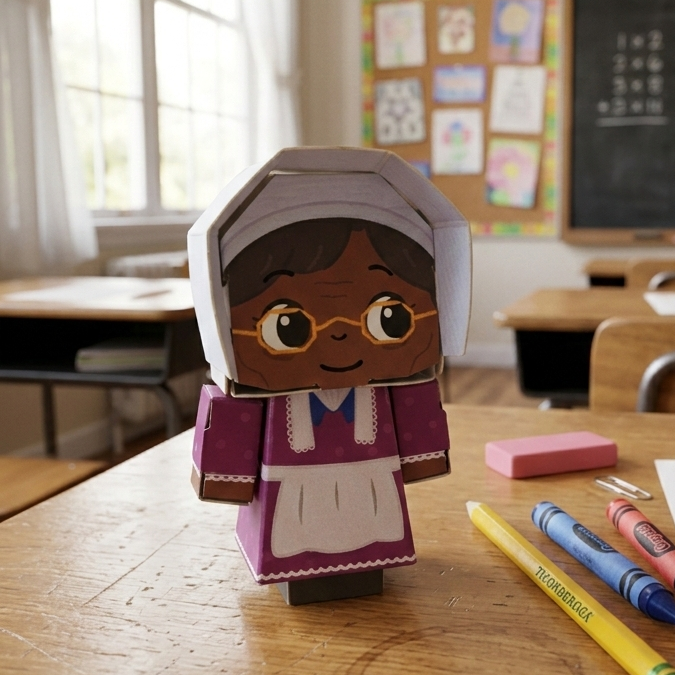
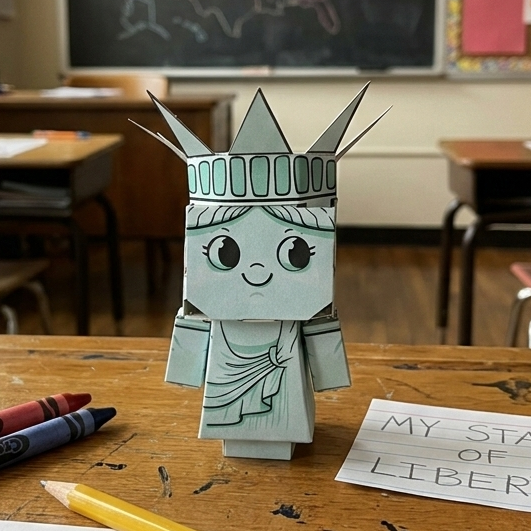
Cubles Classroom is a design and engineering project for schools. Each student engineers their own buildable paperboard character in a browser-based 3D studio, draws its art on paper, and receives the real Cuble back: printed, cut and ready to build. It costs $2 per student with shipping included, takes about 2 to 3 class periods, and aligns to NGSS engineering design and grade 6 and 7 geometry standards.

Cost
$2 per student, shipping included
Class time
About 2 to 3 class periods
Standards
NGSS MS-ETS1, CCSS Math grades 6 and 7
Students need
A browser. Chromebook, tablet or laptop
Student data
First name or nickname only
Each student gets
A real printed Cuble of their own design

What Students Learn

Designing within constraints

Students set real dimensions, panels and joints for their character and have to make it fold and stand, the same limits a product designer works with.

Nets, surface area and scale

Every design unfolds into a flat net. Students work with nets, area, surface area and scale drawings (CCSS 6.G.A.1, 6.G.A.4, 7.G.A.1, 7.G.B.6).

Prototype, test, revise

Students print a plain-paper version, cut and fold it, and fix what does not work before the final build (NGSS MS-ETS1-1 and MS-ETS1-4).

Engineering and art in one build

The structure is engineered on screen and the character art is drawn by hand on paper, so the finished Cuble is the student's own work on both counts.

How the Project Runs

  1. 01

    Set up your class

    Create a class in the teacher dashboard and share its join code. Each section gets its own code and roster.

  2. 02

    Students join

    Students enter the class code and a first name or nickname. No emails, passwords or last names.

  3. 03

    Design in the Studio

    Each student engineers a Cuble in the 3D Studio: picking shapes, setting dimensions and seeing it laid out flat as a foldable net.

  4. 04

    Print and test

    Print the class on plain paper. Each student gets a cut-and-test net to check the build, and an art template to draw on.

  5. 05

    Students make their art

    Students draw or paint their character directly on the art template with markers, colored pencils or paint.

  6. 06

    Photograph the finished art

    The teacher photographs each sheet with a phone. A QR code on the sheet matches it to the right student automatically.

  7. 07

    We print and ship

    Cubles produces each student's character, printed and cut, and ships the class set to the school ready to assemble.

// questions answered

Common Questions

What is Cubles Classroom?
Cubles Classroom is a school project in which each student designs their own buildable paperboard character in a 3D studio, draws its art on paper, and receives the real printed and cut Cuble to assemble.
How much does Cubles Classroom cost?
$2 per student, with shipping to the school included. Teachers place the order once the class's art is captured.
What grades is it for?
It is written for middle school. The standards alignment covers NGSS Engineering Design (MS-ETS1) and Common Core math for grades 6 and 7, with suggestions for simplifying or extending it.
How long does the project take?
About 2 to 3 class periods: one to design, one for art, and time to photograph the finished sheets.
What does a classroom need?
A device with a browser for each student, a printer (11x17 is ideal, letter size works), art supplies, and a phone to photograph the finished art.
What student information is collected?
Students join with a first name or nickname only. No last names, emails or passwords are collected. Cubles stores each student's design and a photo of their artwork in order to produce and ship their Cuble.
How do teachers sign up?
Teachers request access with their name, school and email. Once the account is approved, sign-in is by a one-click email link with no password.